Accessing the IAM Interface
You can access the IAM interface through single sign-on (SSO) from Live Platform's Welcome drop-down menu.
| ● | Only System Administrators with Admin role can access IAM. |
| ● | Only users logged in to Live Platform through IAM (and with above mentioned role level) can access IAM. |
| ➢ | To access IAM: |
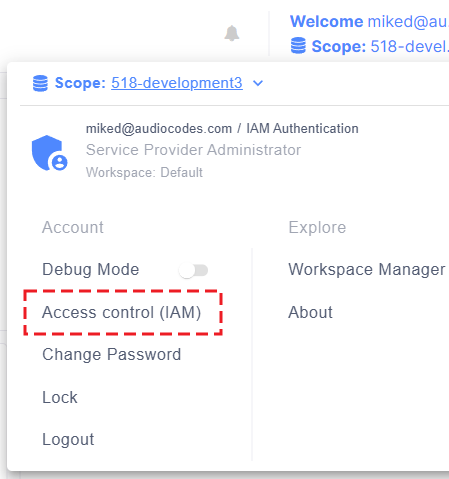
| 1. | Click the Welcome drop-down menu located in the top-right corner of the Live Platform portal page, and then choose Access control (IAM): |
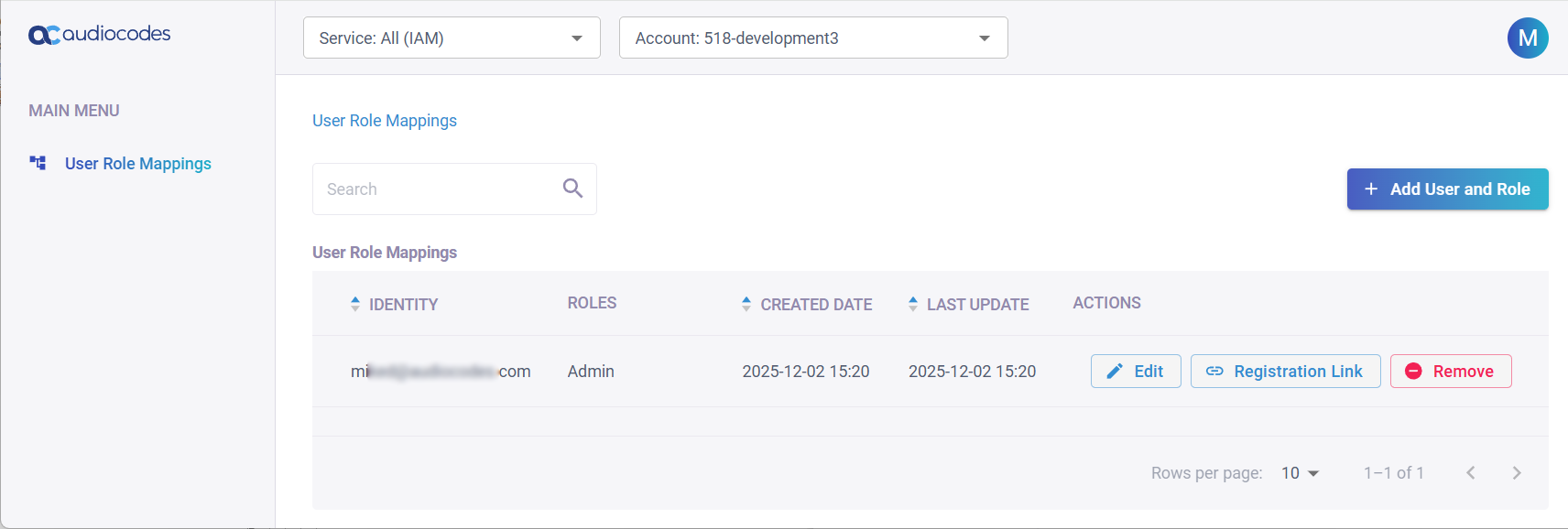
The IAM interface includes a single menu--User Role Mappings--whose page is displayed by default. The page lists all users added to a specific Live Platform account (entity), selectable from the 'Account' drop-down list. Below shows an example of a single user with Admin security level (role) for the Live Platform account "518-development3":